Rank #2 - Best Native AI Editor
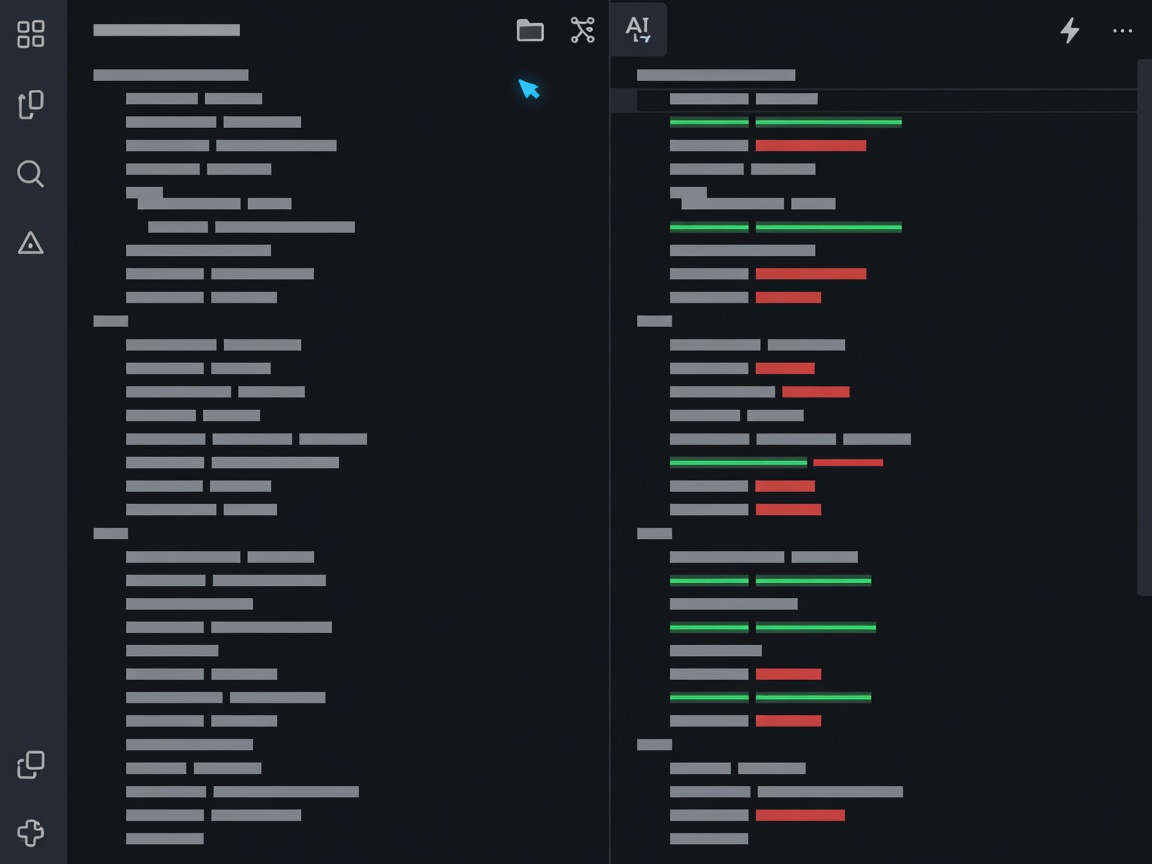
Cursor AI Review
The hyper-customized VS Code fork that revolutionized multi-file code editing with AI diff previews.
Architecture
VS Code Fork
Multi-File Edits
Native Support (Cmd+K)
Pricing
Freemium / $20 mo
LLM Backends
Claude 3.5, GPT-4o
Why Engineers Are Switching to Cursor
Cursor is not just an IDE extension; it is an optimized environment built specifically to treat your codebase as an indexed graph. Using high-speed vector embeddings, Cursor indexes hundreds of thousands of source files locally, allowing instantaneous contextual querying via standard `@` symbols.
Standout Innovation Features
- Composer Mode: Edit multiple files simultaneously with visual diff previews before applying changes.
- Shadow Workspace: Runs compilation checks and linting rules in background instances to spot hallucinated syntax instantly.
- Privacy Mode: Encrypts requests end-to-end with an absolute policy against indexing private code data for training.
Pros & Cons
Advantages
- Seamless 1-click migration from VS Code extensions
- Incredible speed for project-wide structural refactorings
- Flexible model choice (Claude 3.5 Sonnet, GPT-4o, Custom models)
Limitations
- Requires replacing standard VS Code with Cursor standalone build
- Heavy RAM overhead on massive multi-gigabyte repositories